
Getting started as an MSAMM client
8 August 2026
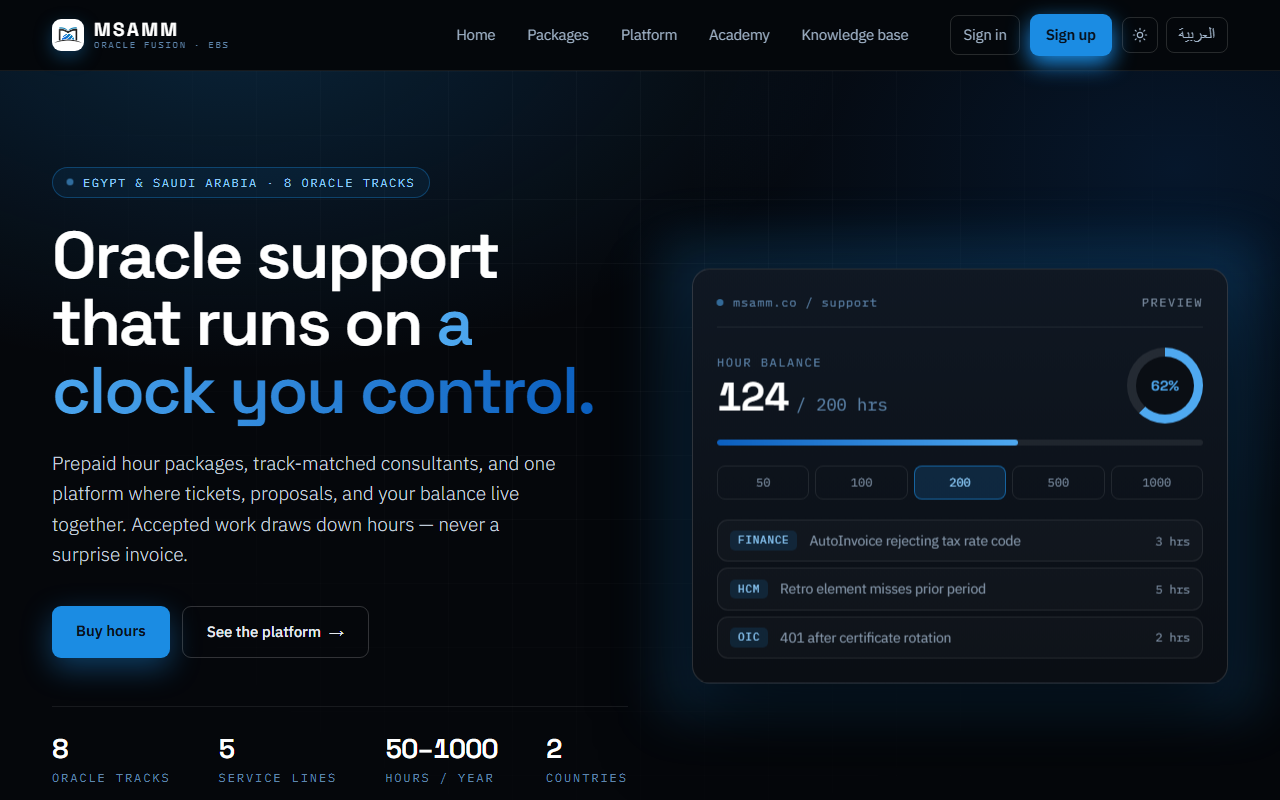
MSAMM support runs on prepaid hours. You buy a block of hours once, then spend them on the work you need. You are never billed per ticket, and raising one costs nothing.
Your hours
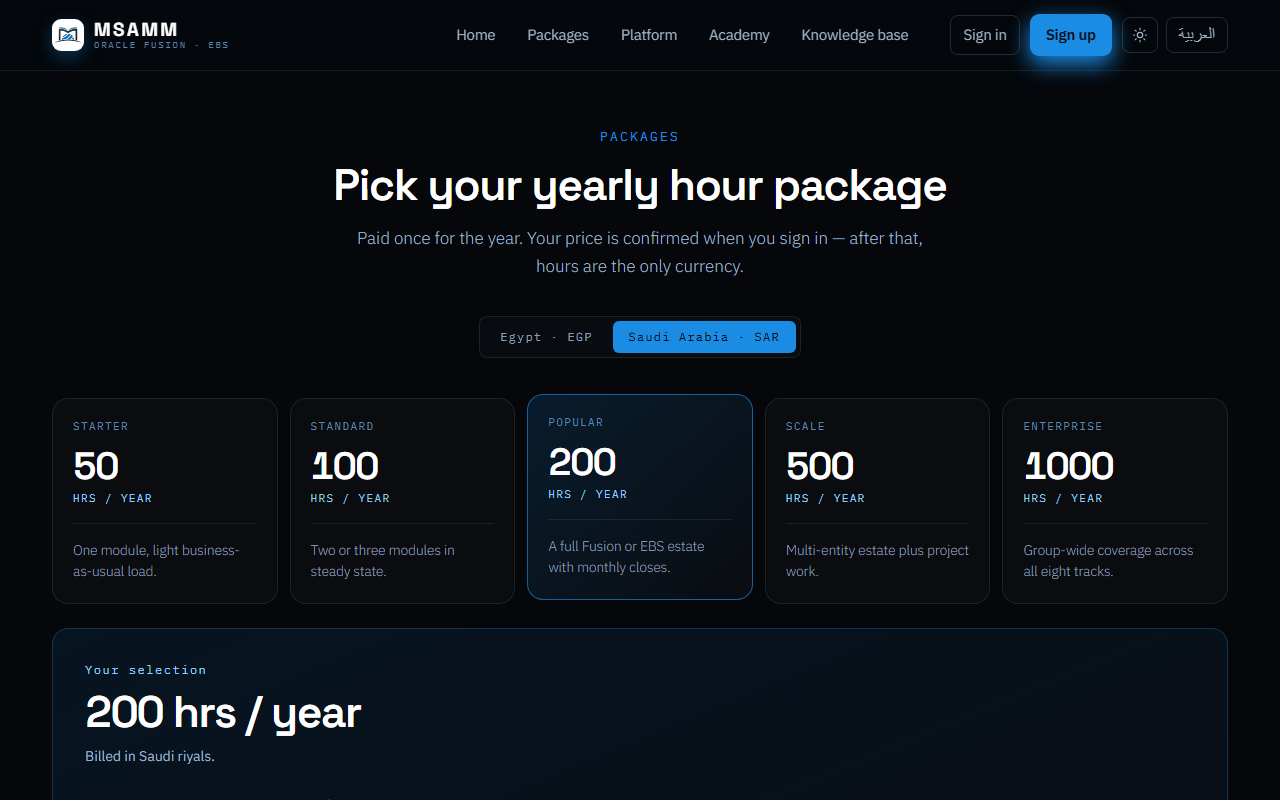
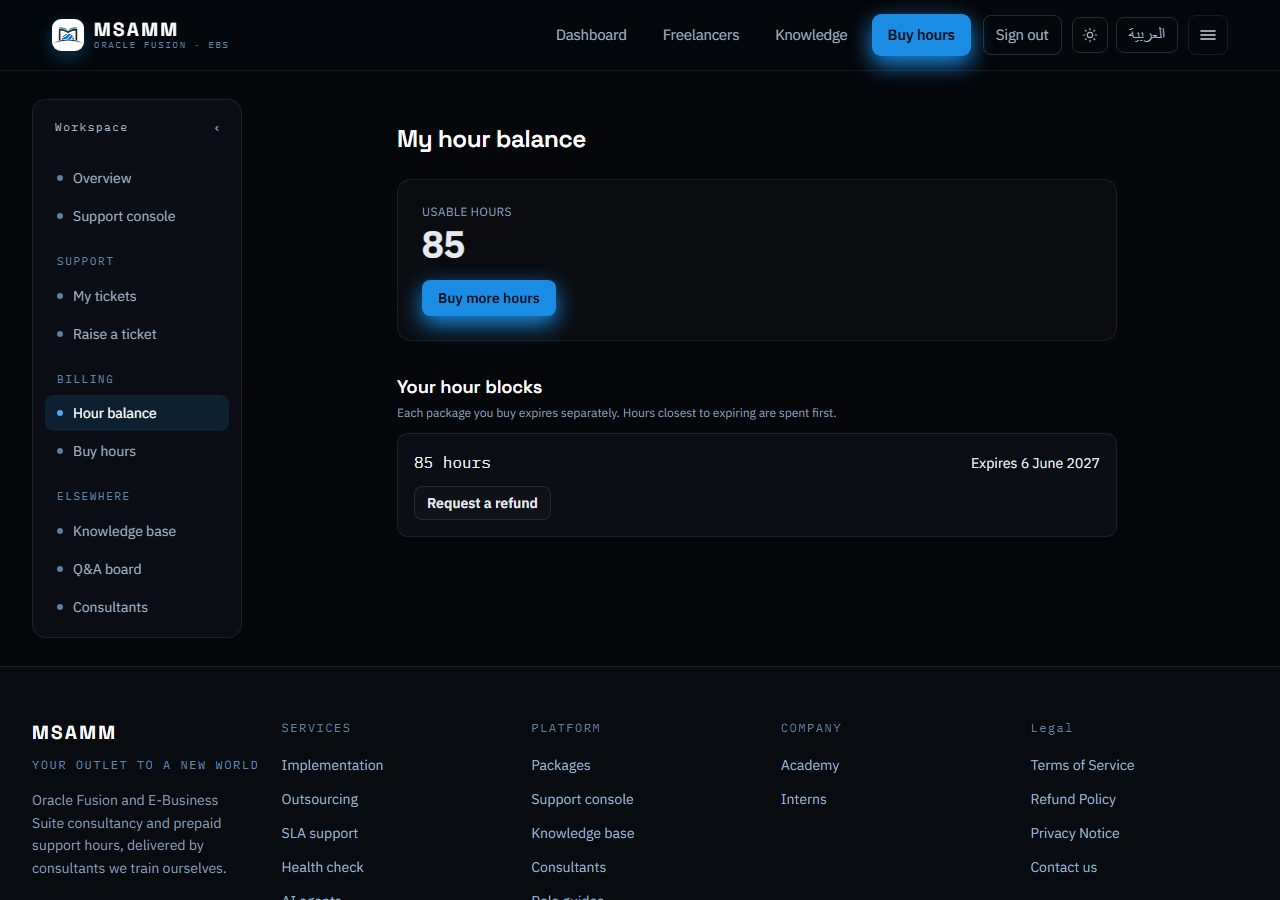
Hours are bought as a yearly package and expire twelve months after purchase. Your balance, what you have spent, and when each block expires are all on your balance page.
- Buy or top up from Buy hours.
- Check what is left on Hour balance.
- Hours leave your balance at one moment only: when you accept a proposal.
Raising a ticket
Describe the problem and choose the Oracle track it belongs to. The track decides which consultants see it, so picking the closest one gets you a faster answer. Raising a ticket is free and spends nothing.
Before you raise one, it is worth searching the knowledge base. Reading an article never costs hours, and a fix you apply yourself costs nothing at all.
Comparing proposals
Consultants on that track propose how many hours the work will take, how they intend to approach it, and a date and time to meet. You will usually receive more than one.
You never see a consultant’s rate. What a consultant is paid is between them and MSAMM, and it does not come out of your hours — you spend the hours quoted in the proposal and nothing else.
Accepting, or asking for another time
Accepting a proposal does two things at once: it confirms the consultant and it deducts the quoted hours. So the time has to be settled first. If the proposed slot does not suit you, propose another — the consultant then accepts or offers a third.
Nothing is deducted while a time is still being agreed. Hours move only when whichever of you did not make the last offer accepts it.
The meeting, and afterwards
The video room is created for you and opens from the ticket — there is nothing to install and no link to share. An intern may sit in to observe; you will see them listed.
When the work is done the consultant marks the ticket resolved and you are emailed. A resolved ticket is a record: it cannot be reopened, so if something remains, raise a new one and reference it.