
Getting started as an MSAMM intern
8 August 2026
Your registration has been accepted. From here you can be invited to sit in on real client sessions, build a record of the work you have seen, and ask questions on the public board.
Before you can observe
Sitting in on a client session needs three things: your registration accepted, a verified identity document, and a signed confidentiality undertaking at the current version. Client work is confidential, and all three exist for that reason. Your profile page shows what is still outstanding.
Observing a session
A consultant attaches you to a meeting; you are emailed when that happens and the session appears on your profile. You join to watch the work. You are not expected to speak for MSAMM.
What you can see is deliberately narrow — the ticket’s title and track, and the room. No rate, no payout, and no client contact details.
Your experience log
Sessions you attended are recorded automatically when the ticket is resolved, and a consultant who supervised you can add practical training they ran with you. The log is read-only so it stays evidence of work you actually did, rather than a list you wrote about yourself.
Being listed publicly
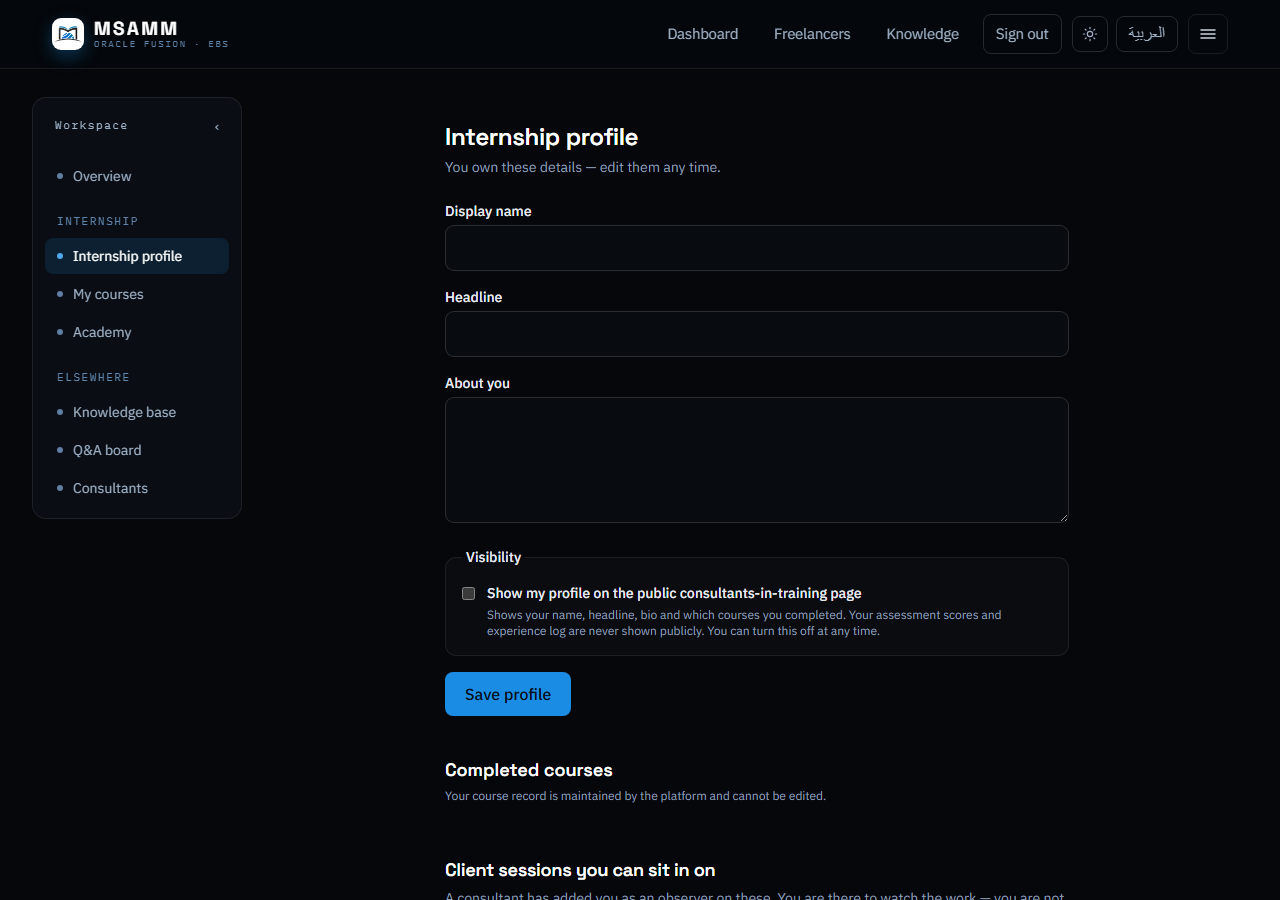
You choose whether your profile appears on the public consultants-in-training page. It is off until you turn it on, and you can turn it off again at any time.
Asking questions
The Q&A board is open to everyone signed in, and consultants answer there. The board is public and the questions stay on the site, so leave client names and system details out of what you post.